
Business Cards in San Diego: How to Create Professional Business Cards Online
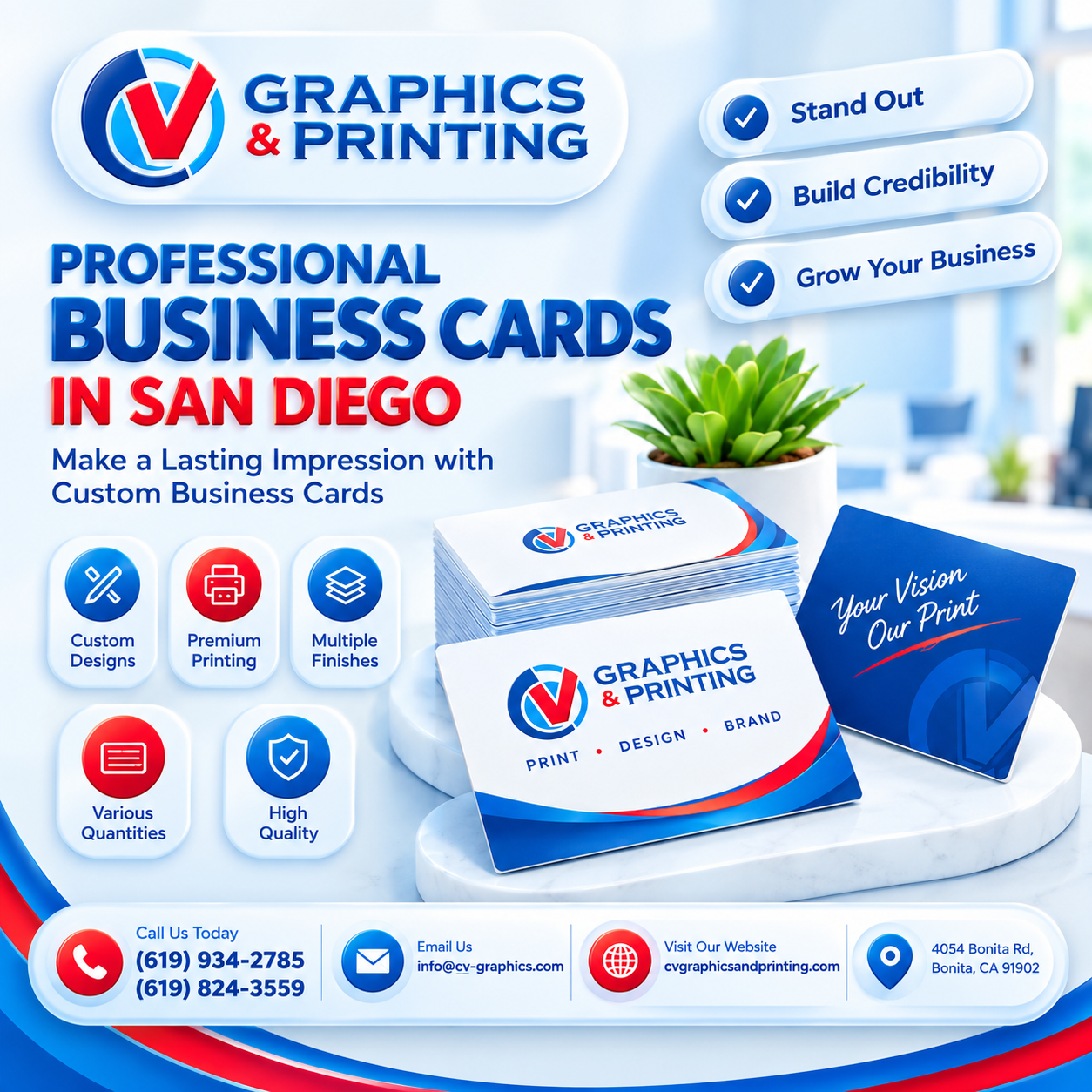
A business card is more than a small piece of printed paper. It is a practical way to introduce your business, share your contact information and help potential customers remember your brand.
Whether you are a small business owner, entrepreneur, freelancer or established professional, well-designed business cards in San Diego can help you make a confident first impression.
Today, creating professional business cards is easier than ever. With an online business card maker and customization options, you can prepare a design, choose printing preferences and create cards that reflect your business identity.
At CV Graphics & Printing, we help individuals and businesses bring their branding ideas to life with professional printing solutions in the San Diego area.
Why Are Professional Business Cards Important?
Even when most business communication happens online, printed business cards remain useful for face-to-face introductions and professional networking.
A thoughtfully designed card can help you:
Share your business name and contact information quickly.
Introduce your services to potential customers.
Maintain a consistent brand identity.
Make networking meetings and business events more memorable.
Give customers a convenient way to contact you later.
Your business card should make it easy for someone to understand who you are and how to reach you.
How to Create Your Own Business Cards Online
Looking for a convenient way to create business cards? An online business card maker can simplify the process by allowing you to customize your design and review available printing options.
Here is a practical process to follow:
1. Prepare Your Business Information
Before starting your design, gather the essential details:
Business or personal name
Job title or professional role
Business logo
Phone number
Email address
Website or social media details, if relevant
Business address, if needed
Keep the information accurate and avoid overcrowding the card.
2. Choose a Clean and Professional Layout
A good business card design should be easy to read. Use a clear font, balanced spacing and colours that match your brand identity.
Your logo and business name should be easy to recognize. Make sure your contact details are large enough to read comfortably.
3. Select Your Printing Preferences
Consider the card size, quantity, printing sides and finish before placing an order.
Depending on your project, options such as glossy or matte finishes, square or rounded corners, and single- or double-sided printing can influence the final appearance.
4. Review Your Design Before Printing
Check your spelling, phone number, email address and website carefully.
Make sure important information is not too close to the edges. If you are uploading your own artwork, review the printer's design guidelines and safe areas before submitting it.
5. Customize and Order Your Business Cards
Once your artwork is ready, review the available product options and quantity pricing. Choose the configuration that suits your needs and confirm the order details.
You can explore the online customization process through CV Graphics & Printing's standard business card printing and design options.
What Information Should You Include on a Business Card?
A business card should communicate the most important details without overwhelming the design.
| Element | Why it matters |
|---|---|
| Business name | Identifies your brand |
| Logo | Supports brand recognition |
| Your name | Makes the introduction personal |
| Job title | Explains your professional role |
| Phone number | Provides a direct contact method |
| Email address | Gives customers another way to reach you |
| Website | Directs people to your online presence |
You do not need to include every possible detail. Prioritize the information your customers are most likely to use.
How to Choose the Right Business Card Design
Your business card should reflect the personality and professionalism of your brand.
Minimalist business cards: Simple layouts with clear typography work well for professionals who prefer a clean appearance.
Corporate business cards: Consistent brand colours, logos and organized contact information help maintain a professional identity.
Creative business cards: Unique layouts, distinctive typography and carefully selected colours can help creative businesses express their personality.
Double-sided business cards: Use one side for your primary branding and the other for additional contact information, services or a QR code.
The best design is not necessarily the most complicated. It is the one that communicates your business clearly.
Choosing the Right Business Card Printing Options
The printing choices you make can influence how your cards look and feel.
Before ordering, consider:
Cardstock: Choose an option that provides the appearance and feel you want.
Printing sides: Decide whether your design needs one-sided or two-sided printing.
Finish: Glossy and matte finishes create different visual effects.
Corners: Standard square corners or rounded corners can change the overall presentation.
Quantity: Consider how frequently you distribute cards and how many you need.
CV Graphics & Printing provides different standard business card customization options, including cardstock and finish choices. Visit the product page to review the available selections.
Where Can You Get Business Cards in San Diego?
If you are looking for business card printing in San Diego, choose a print shop that makes it easy to review your design, understand printing options and prepare your artwork correctly.
CV Graphics & Printing is a local print shop serving businesses and individuals in the San Diego area from its Bonita location.
You can explore standard business card options, review design guidelines and use the online product customization process before proceeding with your order.
Explore:Create your business cards online with CV Graphics & Printing.
Frequently Asked Questions About Business Cards
1. How can I make my own business cards online?
Start by preparing your logo and contact information. Use an online business card maker or customization tool to select your design preferences, review the layout and prepare your artwork for printing.
2. What should I include on a professional business card?
Include your business name, logo, personal name, job title and essential contact information. You can also add your website or a QR code if it helps customers connect with your business.
3. What is the standard business card size?
A commonly used US business card size is 3.5 × 2 inches. Confirm the final dimensions and artwork requirements with your printing provider before submitting your design.
4. Should I choose glossy or matte business cards?
Glossy finishes offer a more reflective appearance, while matte finishes provide a softer, less reflective look. The right choice depends on your branding and preferred presentation.
5. Can I print business cards on both sides?
Yes. Double-sided printing is useful when you want to keep your primary branding on the front and place additional information on the back. Check the available options when configuring your order.
6. Where can I order business cards in San Diego?
CV Graphics & Printing in Bonita, California, offers standard business card customization and printing options for customers in the San Diego area. Visit the product page to review the available configurations.
Create Business Cards That Represent Your Brand
A well-designed business card helps you introduce your business, share essential information and create a professional impression.
Whether you are preparing cards for networking, customer meetings or everyday business use, start with a clear design and choose printing options that match your brand.
Ready to get started?
Create your business cards online with CV Graphics & Printing.
Explore the standard business card customization options or contact the shop to discuss your printing requirements.
CV Graphics & Printing
4054 Bonita Rd, Bonita, CA 91902, United States
Phone: (619) 934-2785 | (619) 824-3559
Email: info@cv-graphics.com